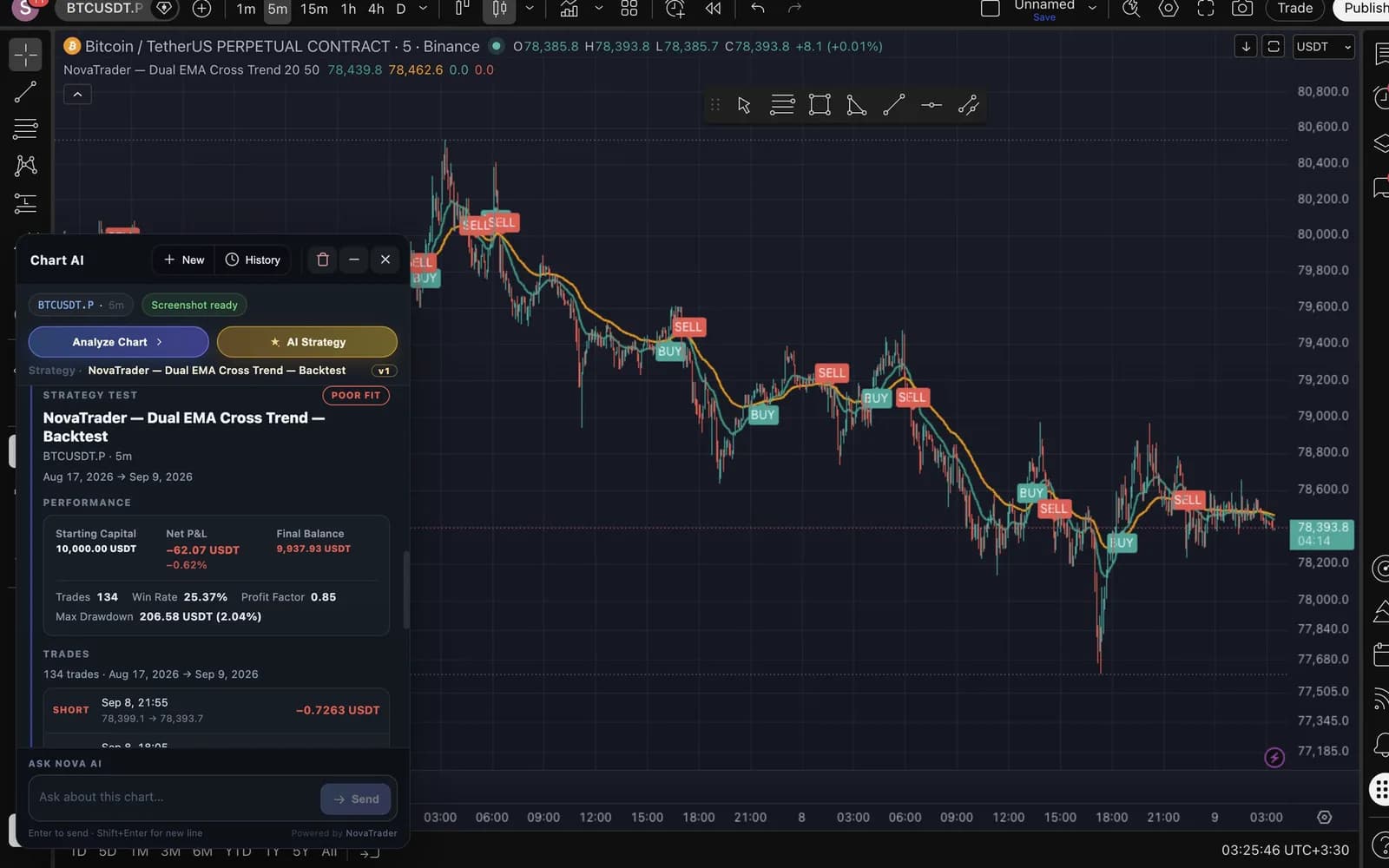
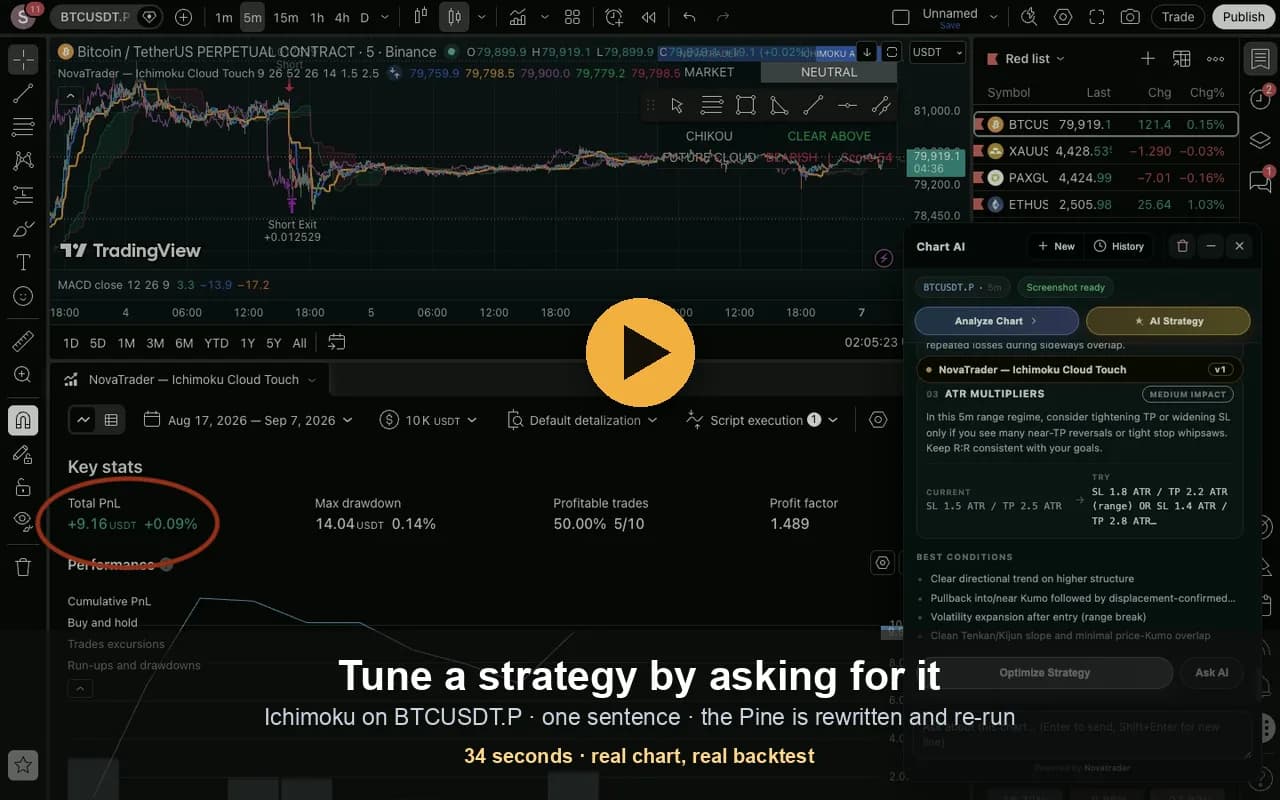
AI trading analysis, right inside TradingView.
NovaTrader docks an AI panel into the TradingView chart you're already looking at — direction, entry, stop loss and targets, without leaving the page.
Free to install · works on any TradingView chart · sign in with your NovaTrader account
Drop a chart screenshot and get the same AI trade setup — no install, no signup.
Analyze, trade, review — then improve.
The same NovaTrader AI and the same account across every stage of a trade: find the setup, stay with it while you research, and understand what actually happened afterwards.
Upload a trading chart.
Get an AI trade setup.
AI-powered chart analysis with direction, confidence, entry, stop loss and take-profit levels in seconds.
- BUY / SELL / WAIT with a confidence score
- Entry zone, Stop Loss & Take Profit targets
- Risk / reward and short, checkable reasons
- Entry
- 67,420 – 67,800
- Stop Loss
- 66,250
- Take Profit 1
- 69,800
- Take Profit 2
- 72,400
- Risk / Reward
- 1 : 3.2
- Bullish structure after breakout
- Price holding the support zone
- Higher lows on the 4H trend
Example output. Your upload returns a real analysis of your own chart.
Analyze your MT4 & MT5 history.
Find what’s costing you money.
Import your MetaTrader 4/5 statement — or a cTrader export — and Nova reads how you actually trade: win rate, profit factor, recurring mistakes and risk behavior.
Your trading data is used to generate your NovaTrader analysis.
Sample dashboard. Your metrics come from your own imported trades.
An AI trading assistant
for TradingView.
Analyze, review and capture trading insights without leaving your TradingView workflow.
Installs in Chrome. Sign in with your NovaTrader account to analyze. Read more
Higher lows into a broken resistance retest; momentum constructive while price holds the breakout.
Analyze. Trade. Review. Improve.
Learn the method, not just the tool
Written walkthroughs with real screenshots and real numbers — including the losing backtests.